A screen that cannot be read from the back of the room is not a production feature. It is an expensive distraction. LED screens for events need to earn their place in the build: carrying sponsor content, live camera vision, presentation graphics and show moments clearly, whether the audience is seated in a ballroom or spread across a festival field.
The right result is rarely about choosing the biggest panel available. It comes from matching the screen to the audience distance, ambient light, content, viewing angles, structure, power and the people operating it. Get those decisions right before trucks arrive and the screen becomes part of the show, not another problem for the event manager to solve.
Start with what the audience must see
Before discussing screen dimensions, define the job. A corporate conference may need crisp spreadsheets, speaker IMAG and branded walk-in loops. A wedding might call for a refined backdrop with photo and video playback. A music festival needs high-impact vision that remains visible through daylight, haze and changing weather. A community event may need schedules, safety messaging and sponsor recognition that can be updated quickly.
Those uses have different technical requirements. Fine text and detailed presentation slides demand a tighter pixel pitch than broad video imagery. Outdoor daytime content needs considerably more brightness than an indoor awards night. A screen used for live camera feeds needs the right vision switching and signal path, not simply a media player plugged in at the last minute.
The most useful first question is simple: what does a person at the furthest planned viewing position need to understand? That answer drives the rest of the design.
Pixel pitch is about viewing distance, not jargon
Pixel pitch is the distance between pixels on an LED panel, measured in millimetres. A lower number means pixels sit closer together, creating a sharper image at close range. A higher pitch can suit longer viewing distances and is often more cost-effective for large outdoor screens.
For an indoor conference where guests are only a few metres from the screen, a coarse outdoor panel can make presentation text look soft or broken up. For a large public event where most guests are well back from the stage, specifying an ultra-fine pitch may add cost without delivering a visible benefit.
There is no single setting for every event. The practical balance is screen size, pitch and the closest and furthest audience positions. If guests can walk right up to the screen during arrivals, consider that close viewing distance as well as the main seating plan. If the content is mostly logos and full-motion video, requirements differ from a keynote full of financial data.
Size and placement work together
A large screen placed too low can disappear behind heads. One placed too high can force the audience to look away from the stage action. For live performances, side screens often help guests at the edges and rear stay connected without blocking the performer’s visual space. For a conference, a centre screen may be the cleanest option, but only if it does not compete with sightlines to the presenter.
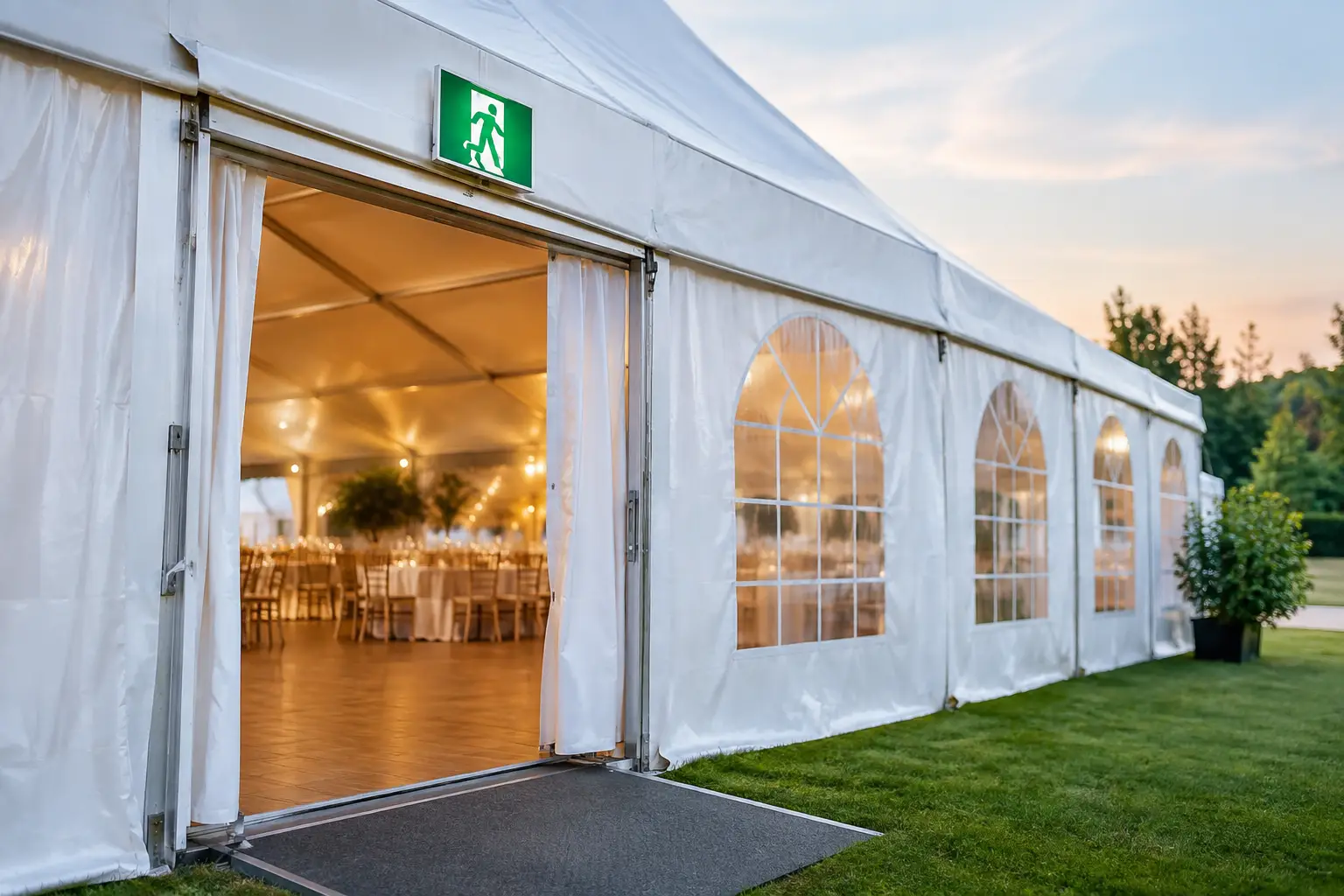
Screen placement must be designed alongside staging, lighting positions, PA hangs, access paths and emergency egress. This is where a full production partner has an advantage over a dry hire arrangement. The LED wall is not an isolated item. It is part of the event infrastructure.
Indoor and outdoor LED screens for events have different demands
Indoor screens operate in controlled light, but venue constraints can be unforgiving. Ceiling heights, loading limits, ballroom chandeliers, low access doors and limited bump-in windows all affect the solution. Ground-support structures may be required where rigging is unavailable or unsuitable, and every cable run must remain tidy and protected around guests and crew.
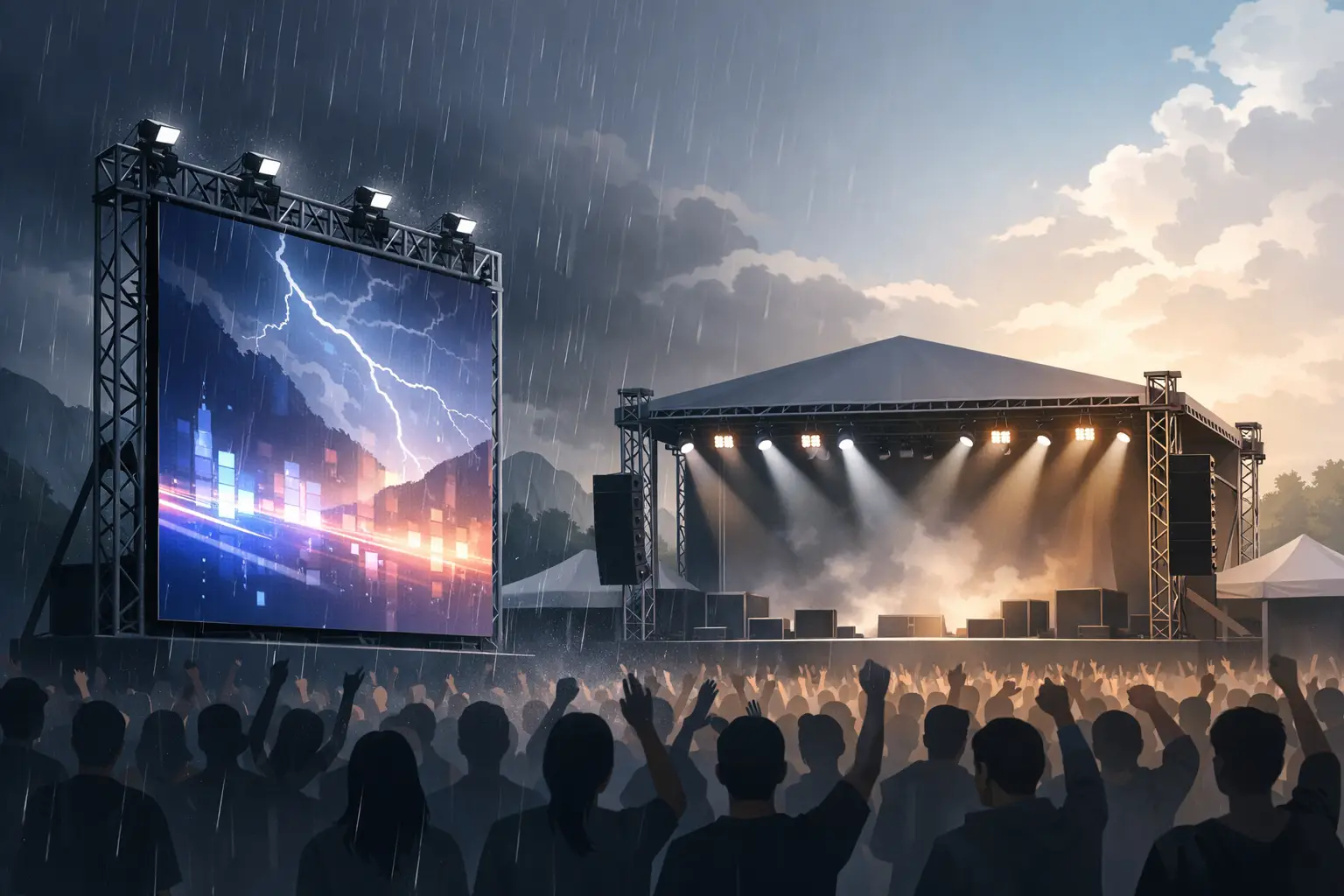
Outdoor builds add wind, rain, sunlight and ground conditions to the equation. A screen that looks excellent at dusk may be unreadable at 2 pm unless it has sufficient brightness. It also needs a suitable weather-rated system, engineered support where required, ballast or anchoring appropriate to the site, and a plan for wind monitoring and operational thresholds.
Do not assume a screen can simply be added to an outdoor stage on event day. Weight, wind loading, structural interfaces and cable routes need to be considered during the planning stage. For public events, these details also feed into site plans, risk assessments and compliance documentation.
Content is part of the technical specification
Many screen problems begin in the content folder. A logo may be supplied at the wrong aspect ratio. A sponsor animation may contain tiny copy that cannot be read at distance. A keynote deck may use pale text on a bright background, then become difficult to see under stage lighting. Videos can arrive in inconsistent frame rates or without enough time for testing.
Set a content specification early. Confirm the exact canvas size, aspect ratio, file formats, playback method and delivery deadline. Ask presenters to avoid placing critical text or logos at the very edge of their slides. If live camera vision is involved, decide who calls camera shots, what is shown during speaker walk-ons, and what backup content appears if a camera feed drops.
For a polished result, build a running order that identifies every screen state: doors open, welcome loop, sponsor stings, presentation playback, live camera, interval slides, awards winners and walk-out content. It gives the operator a clear show flow and prevents last-second instructions being shouted across front of house.
Power, signal and redundancy cannot be afterthoughts
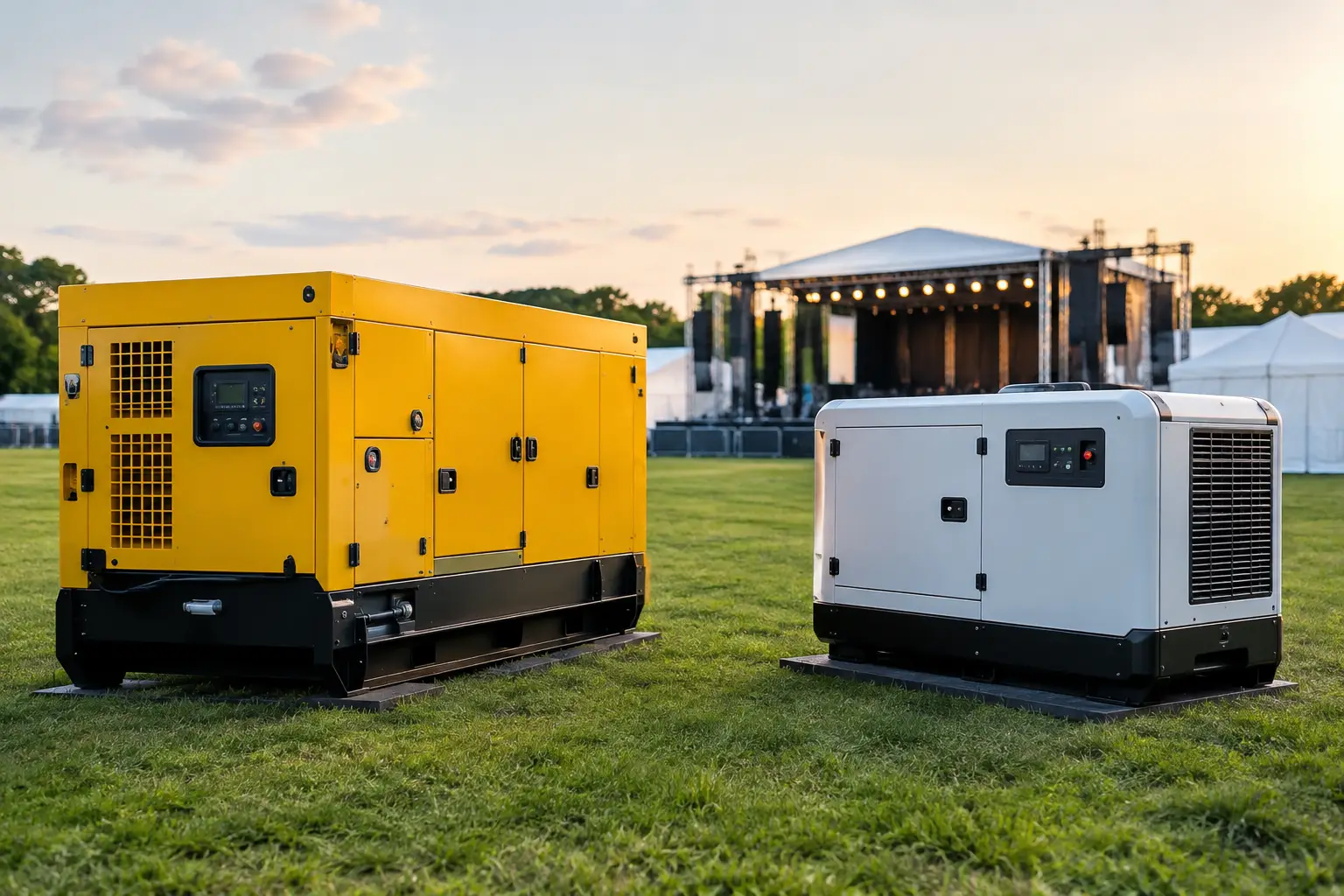
LED screens draw meaningful power, particularly at high brightness. Their power requirements need to be calculated as part of the overall event load, alongside audio, lighting, catering, site services and any temporary facilities. On larger outdoor sites, this may affect generator sizing, distribution design and backup arrangements.
The signal path matters just as much. A screen requires reliable processors, transmission lines, video sources and properly protected cable runs. Long distances between control, stage and screens need a planned distribution system rather than improvised adapters and extension leads. Wireless video can be useful in the right application, but it should not be treated as a guaranteed replacement for a properly routed hardline at a critical show.
A professionally managed system also accounts for failure points. That can include spare panels, spare data paths, backup playback and technicians who know the configuration well enough to isolate a fault without stopping the event. The audience should never notice the recovery work happening behind the scenes.
Build screens into the production schedule
A screen install is not complete when the panels are assembled. It needs time for structural checks, cable management, calibration, content loading, signal testing, camera matching and show rehearsal. If the schedule allows only a rushed final check before doors open, small issues become visible to every guest.
This is especially relevant for venues with narrow access windows or events sharing a site with other suppliers. Screen cases need a clear delivery path. Equipment needs a safe work area during build. The screen must be tested once lighting, audio and other systems are live, because interference, reflections and camera exposure issues often appear only when the full production is running.
A controlled production schedule should account for four key stages:
- equipment delivery and safe access to the installation area
- structural build, power distribution and signal routing
- content checks, calibration and full-system testing
- rehearsal, live operation and an orderly pack-down
When these steps are coordinated under one plan, the event team is not chasing separate suppliers while guests are arriving.
The crew behind the screen matters
A screen can be technically excellent and still underperform if no one is responsible for operating it. Playback cues, presenter changes, last-minute sponsor edits and live camera feeds all need an experienced operator and a clear point of contact.
For a straightforward private function, the right setup may be a tested playback system with a technician available for support. For a conference, awards night or festival, dedicated video operation is usually the safer call. The scale of crew should reflect the consequences of a missed cue, not just the size of the screen.
Zero Three Event Hire approaches LED as part of a complete show system – coordinated with stage, power, audio, lighting, structures and on-site crew. That single point of accountability matters when the schedule tightens, weather changes or a presenter hands over a revised deck five minutes before they are due on stage.
The best screen plan is the one that makes the event feel effortless for guests and manageable for organisers. Give the technical team the audience plan, site details, content requirements and running order early, and they can build a screen system that keeps every message visible until the last note drops.